10 Best Free IPTV APK Apps for Android (2026)
Key Takeaways
- Free IPTV APK apps fall into two categories: free players (for use with your own playlist) and free services with built-in channels.
- The best free IPTV apps for Android deliver full M3U and Xtream Codes support with zero cost — but premium plans unlock important features.
- Ad-supported free IPTV services are legal and widely available, but channel selection is significantly more limited than paid services.
- Always download APKs from official developer websites or the Google Play Store — third-party APK sites carry real malware risks.
- Most serious IPTV users graduate to a paid subscription within a month of using free alternatives.
Free IPTV APK apps for Android serve two very different purposes, and understanding the distinction matters before you download anything. Some apps are free players that connect to your existing IPTV subscription. Others are standalone free services with built-in channels. Both categories are covered here.
After testing each app across multiple Android devices (including Fire TV, Android TV boxes, and standard Android phones), here's the honest picture of what free IPTV on Android looks like in 2026.
Before exploring free options, it's worth knowing what paid alternatives offer — our top IPTV apps for Fire Stick guide covers the full landscape. And if you're weighing free versus paid, our paid vs free IPTV for Firestick comparison breaks down the real differences.
Free IPTV APK Comparison Table
| App | Type | M3U Support | Ad Level | Free Channels | Rating | |---|---|---|---|---|---| | IPTV Smarters Pro | Player | Yes | None | No (needs subscription) | 9.0/10 | | TiviMate (Free tier) | Player | Yes | None | No (needs subscription) | 8.8/10 | | GSE Smart IPTV | Player | Yes | Minimal | No (needs subscription) | 8.5/10 | | Kodi | Player/Media Center | Yes (via addon) | None | No (needs addon) | 8.0/10 | | OTT Navigator | Player | Yes | None | No (needs subscription) | 8.3/10 | | Pluto TV | Service | No | High | 250+ channels | 7.5/10 | | Peacock (Free) | Service | No | Moderate | Limited live TV | 7.2/10 | | Tubi TV | Service | No | Moderate | VOD focus | 7.0/10 | | Plex (Free tier) | Hybrid | No | Low | 200+ channels | 7.8/10 | | Perfect Player | Player | Yes | None | No (needs subscription) | 8.0/10 |
Category 1: Free IPTV Players (Bring Your Own Playlist)
These apps are free to download and use, but they require an IPTV subscription or M3U playlist to access channels.
1. IPTV Smarters Pro — Best Free IPTV Player
IPTV Smarters Pro is the most widely deployed IPTV player in existence, used by millions of subscribers worldwide and recommended by the majority of IPTV providers as their preferred client app. It's completely free, available on the Google Play Store, and supports all standard IPTV connection methods.
Features:
- M3U URL and local file support
- Xtream Codes API integration
- EPG with grid and list views
- Multi-screen layout options
- Multiple user profile support
- Series and VOD organization
What it does well: IPTV Smarters Pro is genuinely feature-rich for a free app. The provider profile system is excellent — set up multiple subscriptions and switch between them without re-entering credentials. Xtream Codes integration is seamless, and most IPTV providers include specific IPTV Smarters Pro setup instructions in their onboarding.
What it doesn't do as well: The interface design is functional but dated compared to TiviMate. The EPG grid works but is slower to navigate. Advanced features like recordings and multi-playlist management require the paid Pro version.
Legal note: The app itself is completely legitimate software. The legality of your IPTV subscription is a separate question — see our guide on IPTV legality in the USA.
2. TiviMate Free Tier — Best Free Experience (with Limits)
TiviMate's free tier is technically fully functional but limited to a single playlist. For users with one IPTV subscription, this is often all you need. The same beautiful interface, fast EPG, and smooth channel switching from the premium version is available for free.
Free tier features:
- One M3U playlist
- Full EPG support
- Channel favorites
- Basic player controls
What requires premium ($5.99/year):
- Multiple playlists
- Recordings
- Parental controls
- Auto EPG updates
- Multi-screen viewing
For most single-subscription users, the free tier of TiviMate delivers a better experience than many fully paid alternatives. If you want to evaluate TiviMate before committing to premium, start with the free tier.
3. GSE Smart IPTV — Best for Multiple M3U Sources
GSE Smart IPTV is available free on Google Play and handles multiple playlist sources with better organization than most competitors. The app supports M3U local files, remote playlists, and Xtream Codes, with a multi-source management interface that's genuinely useful.
The full-featured version is a $2.99 one-time purchase, which adds additional features, but the free version covers all core IPTV functionality. For Android phone users who access IPTV on mobile, GSE works better than many TV-focused apps on smaller screens.
4. Kodi — Best Free Open-Source Option
Kodi is entirely free and open-source, funded by the XBMC Foundation through donations. For IPTV, the PVR IPTV Simple Client addon (included with Kodi) handles M3U playlist playback, while additional addons handle EPG, recordings, and other functionality.
The setup process is more involved than dedicated IPTV apps — you need to configure the PVR addon, point it to your M3U URL, restart the service, and separately configure EPG data. But once configured, Kodi is extraordinarily flexible.
Why choose Kodi for free IPTV: Kodi is completely free, no ads, no subscriptions, fully open source. The community has been developing IPTV functionality for over a decade, and the result is battle-tested software that handles virtually any streaming scenario.
5. OTT Navigator — Best Free EPG Experience
OTT Navigator's free tier provides full EPG functionality — something many free apps limit to premium. The guide interface is detailed and fast, and the app handles large channel lists (10,000+ channels) without the memory issues that plague some competitors.
The premium tier ($3.99/month) adds multi-screen and recording capabilities, but for straightforward live TV with excellent EPG, the free tier is more than sufficient.
6. Perfect Player — Best Lightweight Free Player
Perfect Player has no ads, no in-app purchases, no subscription prompts — it's completely free in the purest sense. The interface is minimal and text-based, which some users love (fast, clean, efficient) and others find unappealing.
For budget Android devices with limited RAM, Perfect Player's lightweight footprint means it runs smoothly where more visual apps struggle. If you have an older device or simply want a no-frills IPTV player, Perfect Player is the answer.
Category 2: Free IPTV Services (Channels Included)
These services provide actual channels without requiring a separate IPTV subscription. They're legal, ad-supported, and have meaningful limitations compared to paid services.
7. Pluto TV — Best Free Live TV Service
Pluto TV is the most established free, ad-supported live TV service, owned by Paramount. It provides 250+ live channels including news (CBS News, Bloomberg, Sky News), entertainment (MTV, Comedy Central classics), sports clips, and an enormous VOD library.
What you get free: 250+ streaming channels organized into categories. The news coverage is genuinely good — CBS News 24/7, Bloomberg TV, and CNN without a subscription. Sports coverage is highlight-focused rather than live games.
Limitations: Ad breaks are frequent and sometimes poorly timed. Channel selection is curated rather than comprehensive — you won't find local NBC or live NFL here. For sports fans or local news watchers, Pluto TV is supplementary at best.
8. Peacock Free Tier — Best for NBC Content
Peacock's free tier includes live news, some sports, and NBC programming. The NBC News Now channel streams 24/7 live news. The free tier doesn't include live sports (Premier League, NFL, WWE require Peacock Premium at $7.99/month).
For NBC fans and news watchers, Peacock's free tier has genuine value. For comprehensive live TV, it's a starting point rather than a solution.
9. Plex Free Tier — Best Hybrid Experience
Plex started as a local media server app but has evolved into a hybrid platform with free live TV channels, a VOD library, and optional premium features. The free tier includes 200+ live channels and 50,000+ VOD titles, all ad-supported.
The Plex interface is polished and works well across all Android devices. If you also have a local media collection, Plex serves as a unified hub for live TV, free streaming, and personal media — a genuinely useful combination.
10. Tubi TV — Best Free VOD with Some Live Options
Tubi TV is primarily a VOD service with over 40,000 titles, but it also includes some live news and event coverage. The content library is extensive and genuinely impressive for a free service — thousands of movies and TV shows without a subscription.
Live TV coverage is limited compared to Pluto TV, but the VOD library makes Tubi a valuable complement to a paid IPTV service rather than a replacement.
The Honest Truth About Free IPTV
Free IPTV options in 2026 are better than they've ever been — but they still can't replace a quality paid subscription for live sports, local channels, and premium content. Here's the honest comparison:
Free services provide:
- Ad-supported news and entertainment channels
- VOD libraries with older content
- Legal, sustainable streaming with no risk
Paid IPTV provides:
- 15,000–25,000+ channels including live sports
- Local channel coverage for all 50 US states
- 4K/HD stream quality without ads
- VOD libraries with current content
If you're testing the waters, start with IPTV Smarters Pro (player) + a free trial from a paid provider. Most top providers offer 24-48 hour trials — see our top IPTV providers USA guide for options.
Pro Tip: Download APKs exclusively from Google Play or official developer websites (iptv-smarters.com, tivimate.com, etc.). Third-party APK aggregator sites frequently modify apps to include adware or tracking code. The 30 seconds it takes to find the official source is worth it.
Conclusion
Free IPTV APK apps in 2026 offer a solid foundation — either as free players that enhance your paid subscription experience, or as ad-supported services for budget-conscious viewers. The players listed here (IPTV Smarters Pro, TiviMate free tier, GSE Smart IPTV) are genuinely excellent software at zero cost. The services (Pluto TV, Peacock, Plex) fill specific niches well.
For the full live TV experience — live sports, local channels, premium content — a paid subscription remains necessary. The good news is that paid IPTV at $10–$15/month is cheaper than a single streaming service subscription, while delivering far more content.
Frequently Asked Questions
Are free IPTV APK apps safe to use?▾
Free IPTV APKs from reputable developers are generally safe. However, random APKs from unknown sources can contain malware. Stick to apps available on Google Play or from developers with established reputations and public websites.
Do free IPTV apps work without a subscription?▾
Standalone free IPTV apps (players) require you to bring your own M3U playlist or Xtream Codes credentials. Apps with built-in free channels include ad-supported services like Pluto TV and Peacock, but these have limited live TV options.
What is the difference between a free IPTV app and a free IPTV service?▾
A free IPTV app is a player (like TiviMate or IPTV Smarters) that you use with a subscription service. A free IPTV service includes channels without requiring a subscription, usually funded by ads or offering limited content.
Ready to cut the cord?
Try IPTV US — 10,000+ Channels from $6.99/mo
HD & 4K streaming, sports, movies, and live TV on any device. No contracts. Free trial available.
View Plans & PricingCord-Cutting Specialist
Sarah cut the cable cord in 2017 and has been helping others do the same ever since. She specializes in streaming device setups, app comparisons, and practical guides for non-technical users. Sarah has written step-by-step tutorials for Fire Stick, Android TV, Apple TV, and smart TVs, and is the go-to voice for device-specific IPTV guidance.
Comments
Comments are coming soon. Have a question? Contact us.
Related Articles
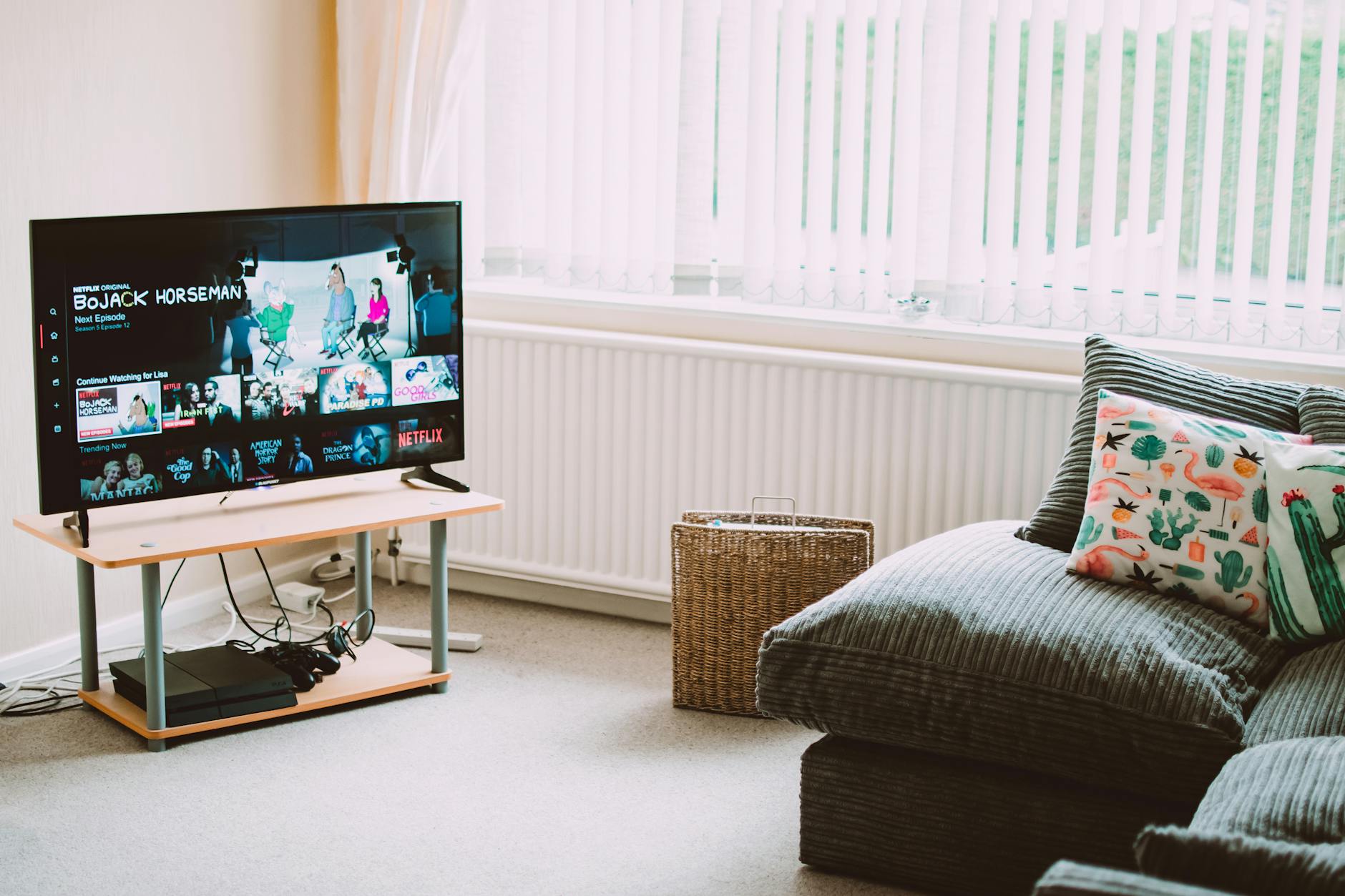
5 Best IPTV Boxes of 2026: Top Devices Reviewed
Looking for the best IPTV boxes 2026 has available? We tested 15+ devices and picked the top 5 for streaming performance, price, and compatibility.
Top 4 IPTV Boxes in 2026: Updated Value Picks
Our updated top IPTV boxes 2026 picks focus on value for money. These 4 devices deliver the best IPTV experience relative to their cost in 2026.
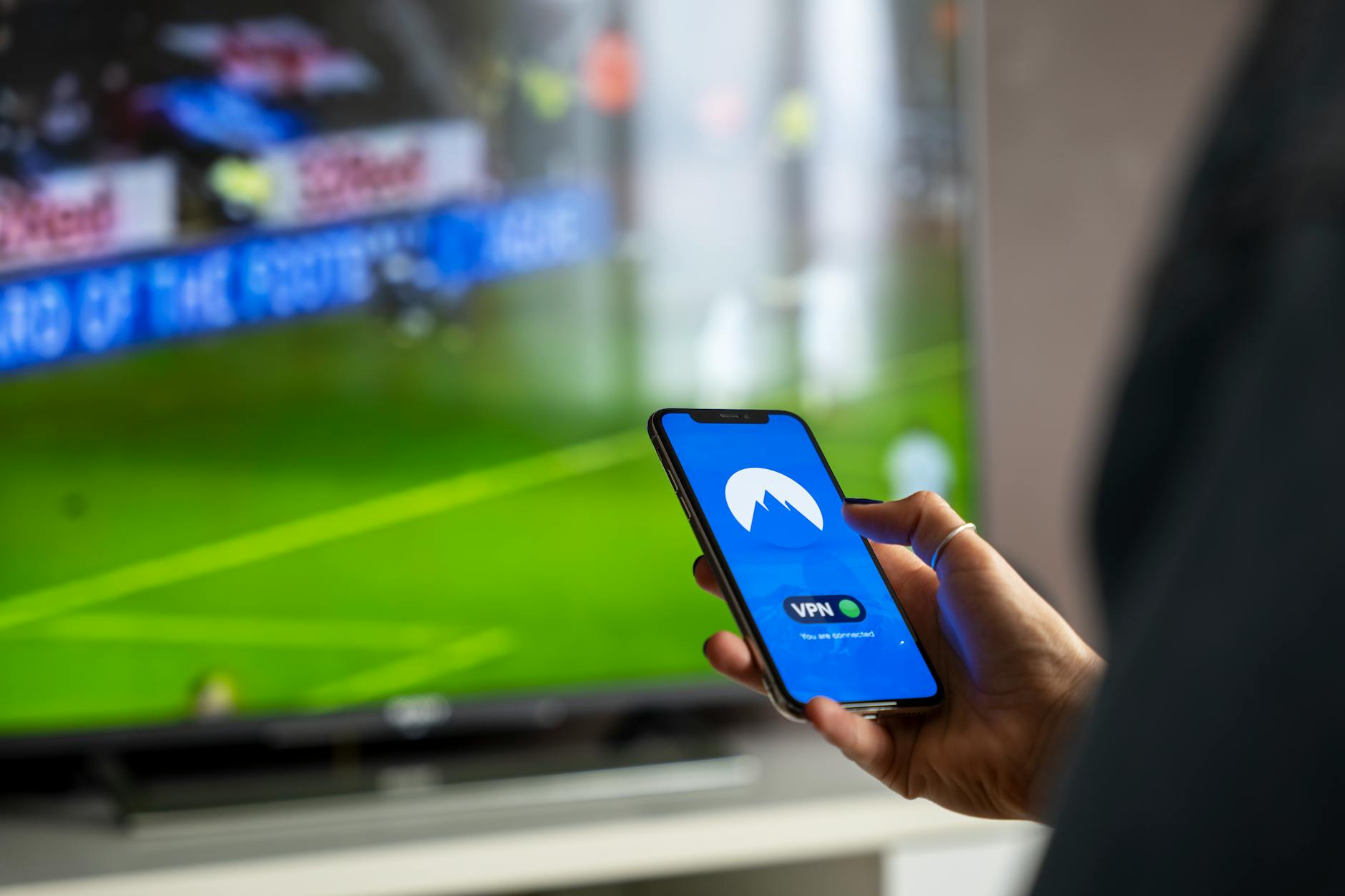
5 Best VPNs for IPTV in 2026 (Speed-Tested)
Find the best VPN for IPTV streaming in 2026. We speed-tested 5 top VPNs to find which ones actually protect your privacy without killing stream quality.